
Appearance
Alerts & Notifications
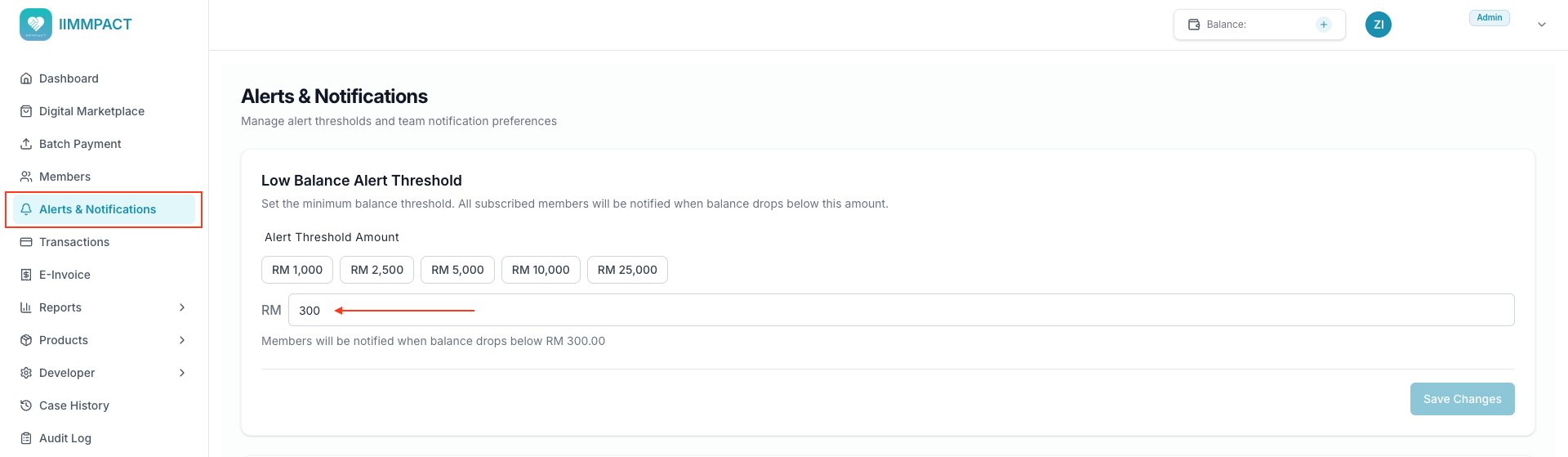
Configure when and how your team receives balance-related alerts. From the Alerts & Notifications page, you can set a low balance threshold and choose notification channels for each team member.
Low Balance Threshold
Set a balance threshold so you get alerted before your balance runs out. When your account balance drops below this amount, all team members with notifications enabled will be alerted.
Pick a preset amount or enter a custom value (minimum RM 1):
- RM 1,000
- RM 2,500
- RM 5,000
- RM 10,000
- RM 25,000
Click Save Changes to apply. This threshold applies to the entire account — any member can update it.
TIP
You can also set the threshold programmatically via the Low Balance API.
Notification Preferences
Each team member can choose how they receive alerts. Click Manage next to a team member to toggle their notification channels:
| Notification Type | ||
|---|---|---|
| Low Balance Alert | Toggle on/off | Toggle on/off |
| Add Balance Alert | Toggle on/off | Toggle on/off |
| Webhook Alert | Toggle on/off | Toggle on/off |
TIP
Admins can manage notification preferences for any team member. Viewers can only manage their own.
Here's an example of a low balance notification:

Announcement Subscribers
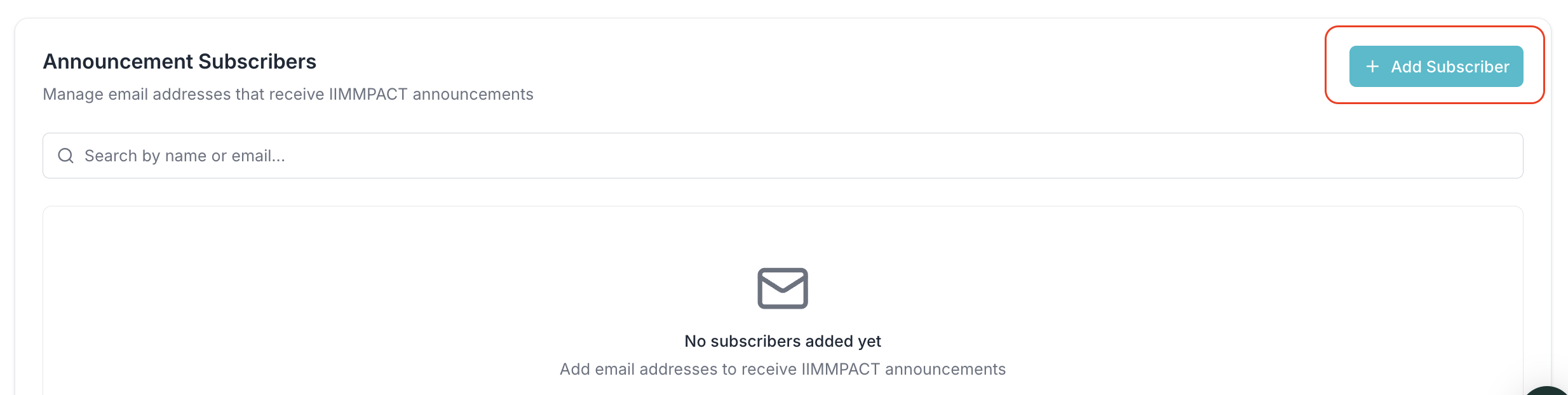
Manage email addresses that receive IIMMPACT announcements — such as API changes, product updates, and policy changes — directly from the Dashboard.
Subscription Types
Each subscriber is assigned a subscription type that determines which announcements they receive:
| Type | Receives |
|---|---|
| Tech | API changes, breaking changes, SDK updates |
| Business | Product updates, policy changes, general news |
| All | All announcements (tech and business) |
Adding Subscribers
Click + Add Subscriber to register a new subscriber. For each subscriber, provide:
- Email — must be unique across all IIMMPACT accounts
- Name — the subscriber's display name
- Subscription Type — choose Tech, Business, or All
You can add multiple subscribers at once. Subscribers added from the Dashboard are automatically verified and will start receiving announcements immediately.
Managing Subscribers
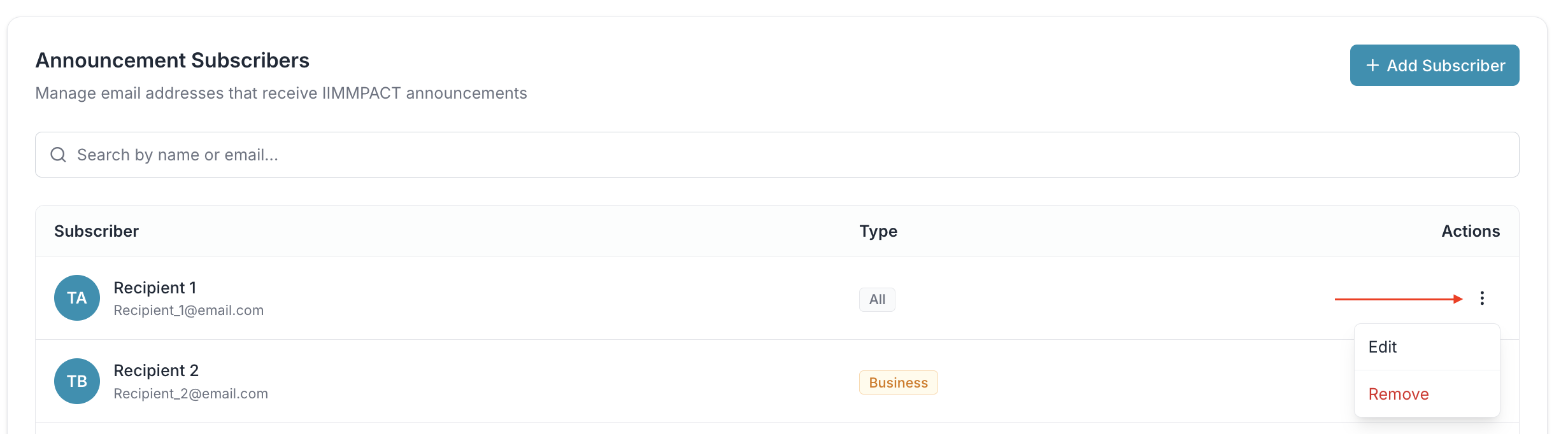
From the subscribers list, you can search by name or email, and use the three-dot menu on each subscriber to:
- Edit a subscriber's email, name, or subscription type
- Remove a subscriber to stop them from receiving announcements
TIP
Only admin users can manage announcement subscribers. Viewers do not have access to this section.