
Appearance
IP Allowlist
Restrict API access to specific IP addresses for enhanced security. From the Developer > IP Allowlist page, you can manage which IP addresses are permitted to call the IIMMPACT API.
How It Works
The IP Allowlist acts as a firewall for the IIMMPACT API:
- Empty list (default): All IP addresses are allowed to access the API
- One or more IPs added: Only requests from allowlisted IPs are accepted; all others are rejected
WARNING
Once you add your first IP address, all API requests from non-allowlisted IPs will be blocked immediately. Make sure to add all required IPs before enabling the allowlist.
Adding IP Addresses
- Navigate to Developer > IP Allowlist
- Click the Add button
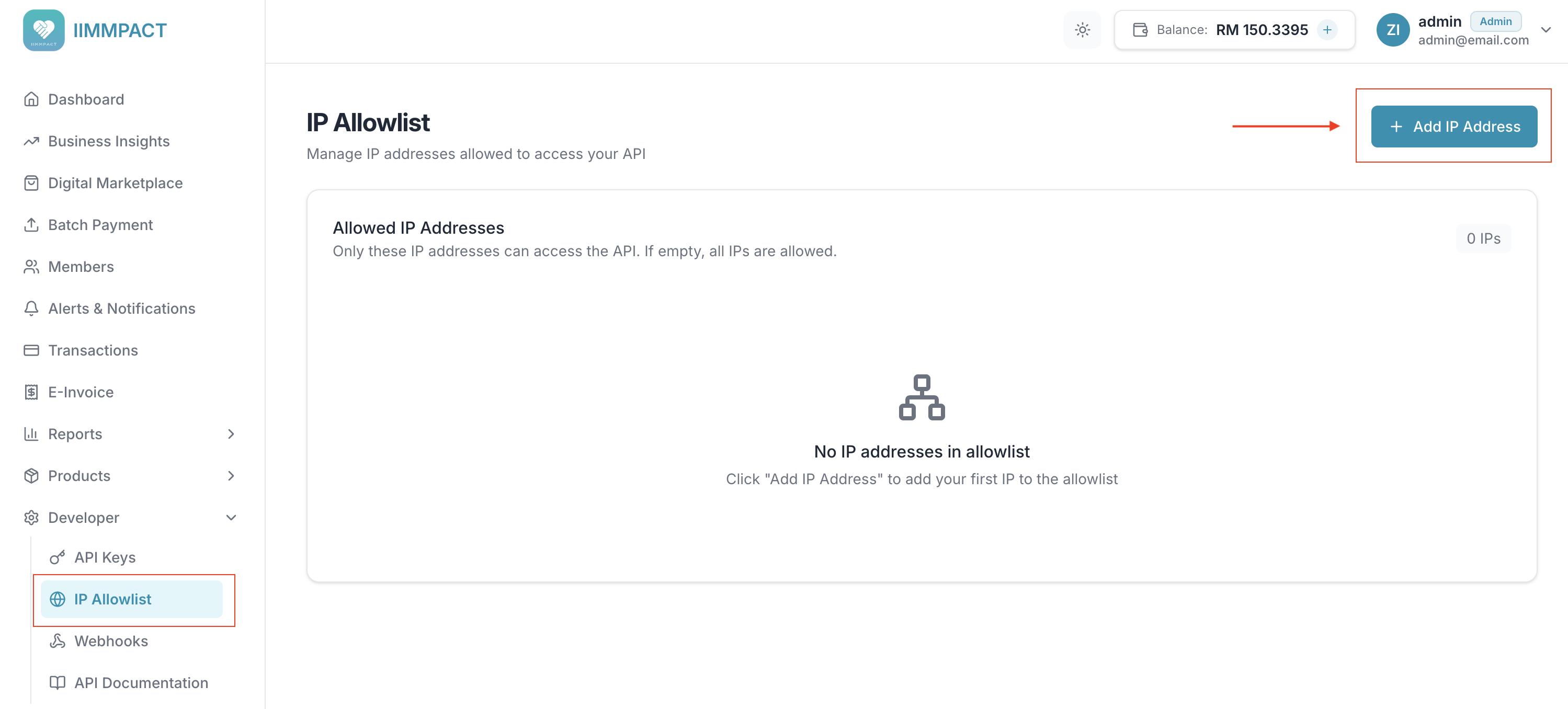
- Enter one or more IP addresses (one per line)
- Click Add to save
You can add multiple IPs at once by entering each on a new line in the modal.
Managing the Allowlist
The IP Allowlist table shows all configured IP addresses:
| Column | Description |
|---|---|
| IP Address | The allowlisted IPv4 address |
| Added At | When the IP was added to the allowlist |
| Actions | Remove the IP from the allowlist |
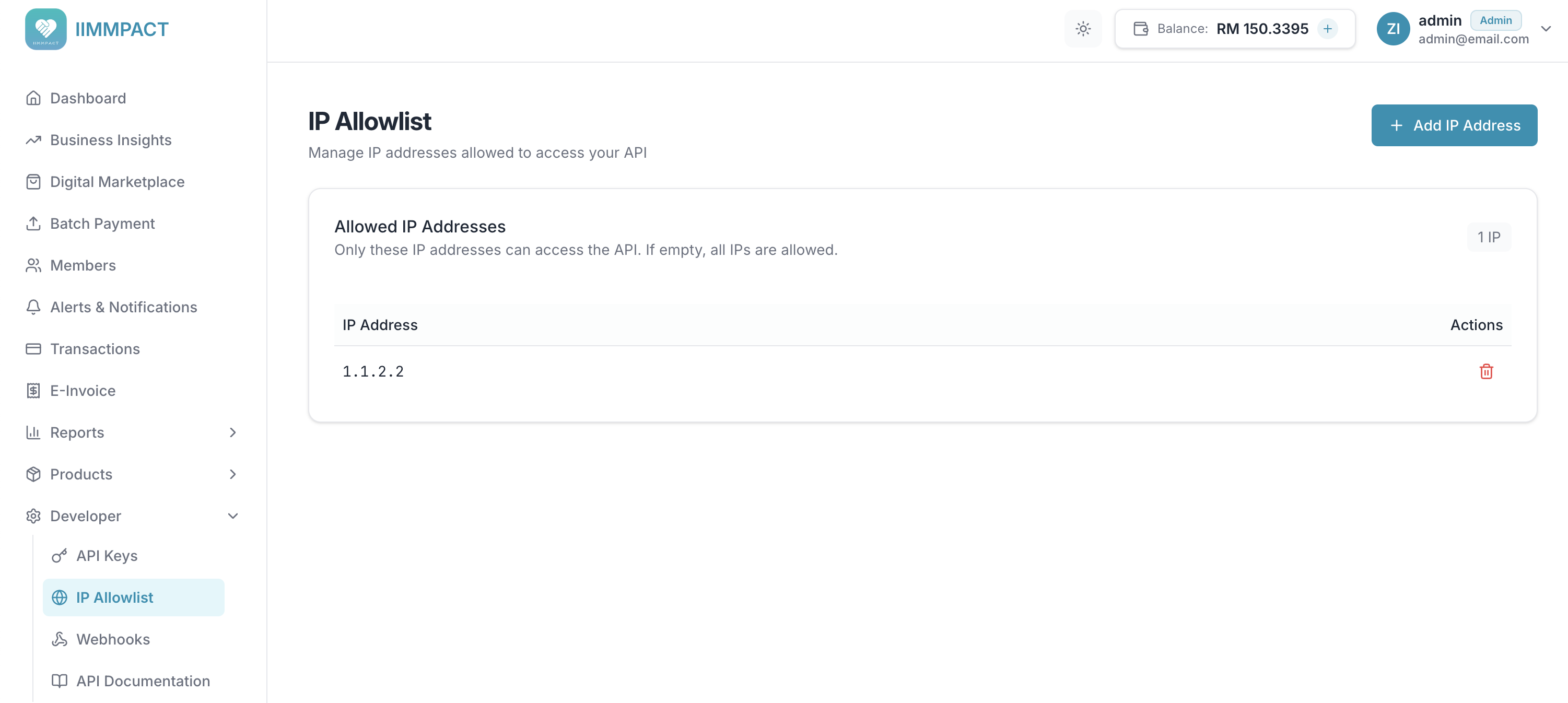
To remove an IP address, click the delete icon in the Actions column and confirm the removal.
Best Practices
- Add all required IPs first before enabling the allowlist to avoid locking yourself out
- Include backup IPs for failover scenarios
- Document your IPs so team members know which addresses are allowlisted
- Review regularly and remove IPs that are no longer in use
TIP
If you're using a load balancer or CDN, make sure to allowlist the egress IPs of your infrastructure, not the end-user IPs.