
Appearance
Step 3: Network Status
Before processing a payment, check whether the target product or biller is experiencing service interruptions. This helps set user expectations and reduces failed transactions.
There are three ways to monitor network status:
- Dashboard — View current service interruptions from the Service Status page in the Dashboard.
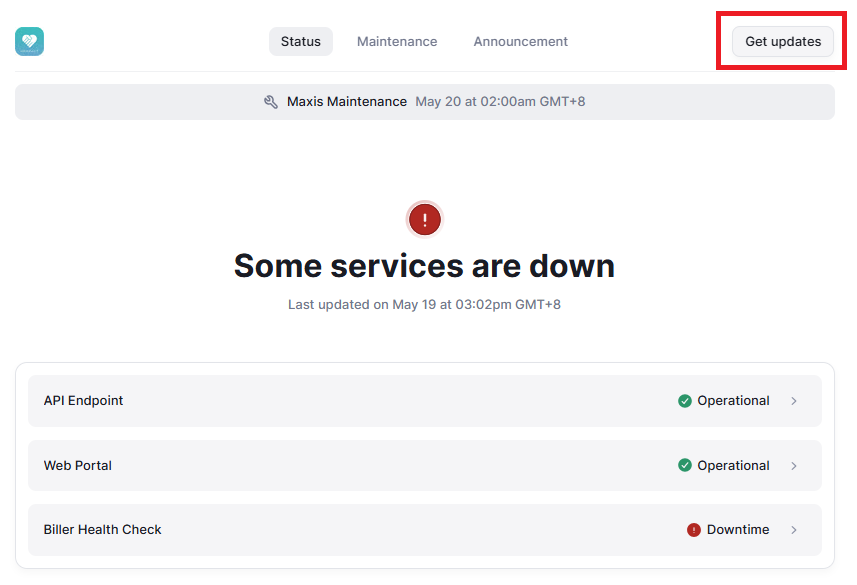
- Status page — Subscribe to status.iimmpact.com for automated updates on service interruptions.
- API — Query the Network Status API at runtime to display real-time status within your application.
Dashboard
From the Service Status page in the Dashboard, you can view a real-time overview of all product service interruptions. The page displays summary cards — total products, active interruptions, operational count, and system health percentage — along with a table of products currently experiencing issues.

Status Page
IIMMPACT also maintains a public status page at status.iimmpact.com where you can subscribe for automated notifications about service interruptions and scheduled maintenance.
API
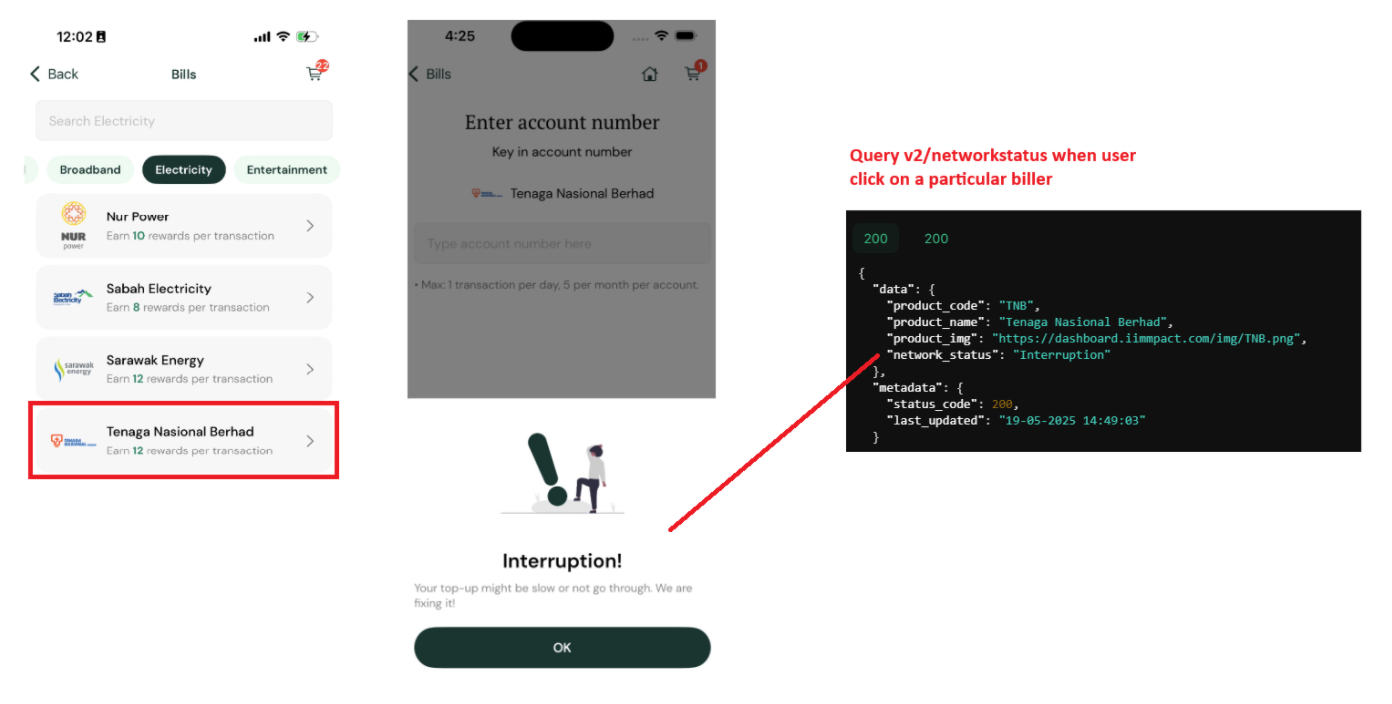
When a user selects a product in your app, query the Network Status API in the background using its product code to check for interruptions or intermittent downtime.
API Reference
For the full endpoint specification (headers, parameters, response schema, and examples), see Network Status API Reference.
UX Guidelines
If the network status returns Interruption, display a warning message to the user. For example:
"Interruption! Your top-up might be slow or not go through. We are fixing it!"
Important
Users should still be able to check out and pay even when there is an interruption. Display the warning but do not block the payment flow.
Testing in staging
In the staging environment, product code FP always returns Interruption. Use it to test your warning message and checkout behavior. This staging override does not apply in production.